Themes
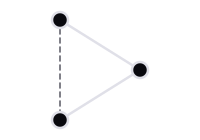
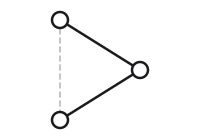
One spec, drawn in every built-in theme. Only the look changes: layout, labels and structure are the same in each.
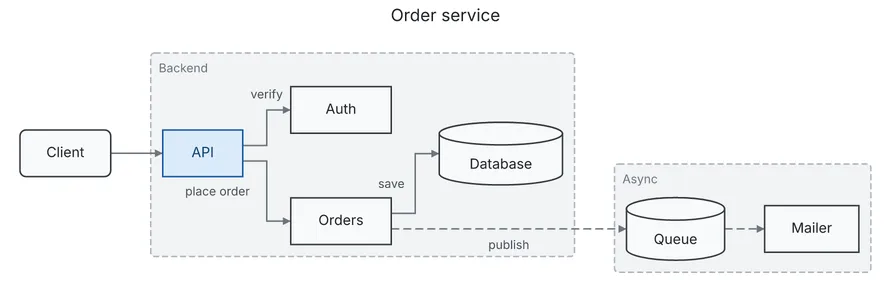
default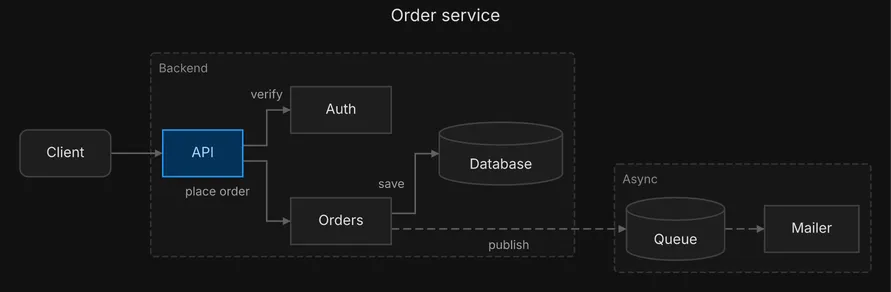
dark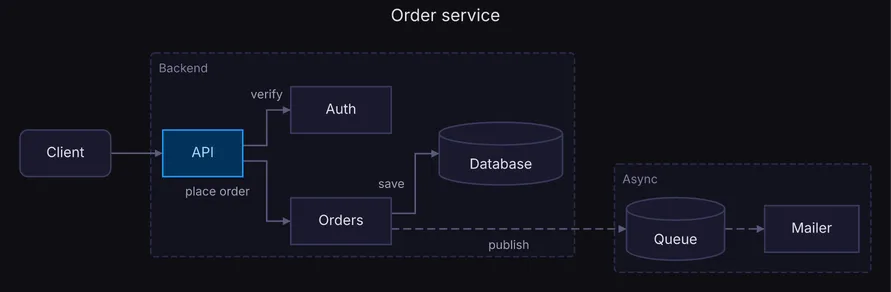
midnight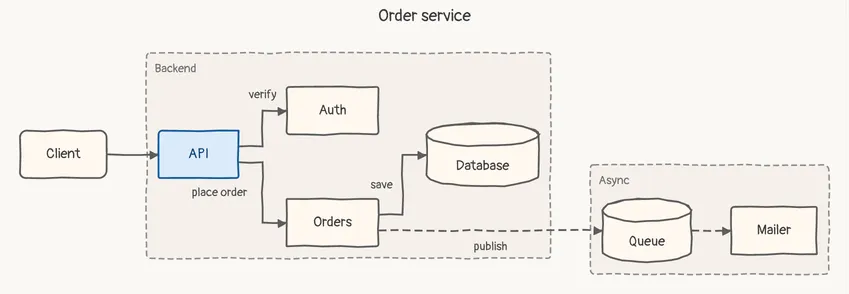
sketchThe built-in themes
Section titled “The built-in themes”| Theme | For |
|---|---|
default |
light documents and READMEs, an SVG opened from a chat |
dark |
dark pages and slides, in a dark neutral palette |
midnight |
dark pages and slides, in a dark vibrant palette |
sketch |
a draft: the hand-drawn look says “not final” |
Each theme is a complete visual system: colors, fonts, strokes and spacing. diago embeds the fonts
(Inter, and Pangolin for sketch), so a theme draws the same on every machine.
Choosing a theme
Section titled “Choosing a theme”Set the spec’s top-level theme field, or pass -theme on the command line. The flag wins over
the field; without either the theme is default.
diago render -theme midnight spec.json > out.svg{ "type": "flow", "theme": "midnight", "nodes": [ {"id": "api", "label": "API"}, {"id": "db", "label": "Database", "shape": "cylinder"} ], "edges": [{"id": "api-db", "from": "api", "to": "db", "label": "reads"}]}Text art takes no theme: it is plain characters, but a theme it is given must still load.
diago diff reads the theme field of the new spec, and the old one’s is not read. A theme
field naming a theme that does not load is a validation error on theme, and an unknown -theme
is a usage error.
To show one diagram on a page that follows light and dark mode, render it twice, in default and
in dark, and let the page choose between the two images. This site does exactly that.
Your own theme
Section titled “Your own theme”A theme is one JSON file. To make one, copy themes/midnight.json from the repository, change
the colors, and save it as <name>.json in a directory of your choosing. Point
DIAGO_THEME_DIR at that directory and load the theme by its file name:
DIAGO_THEME_DIR=~/.config/diago-themes diago render -theme ocean spec.json > out.svgBuilt-in names always win, so a file called dark.json there never replaces the built-in dark.
The structure of the file, and what validation rejects, is in the
theme file reference.